About this game
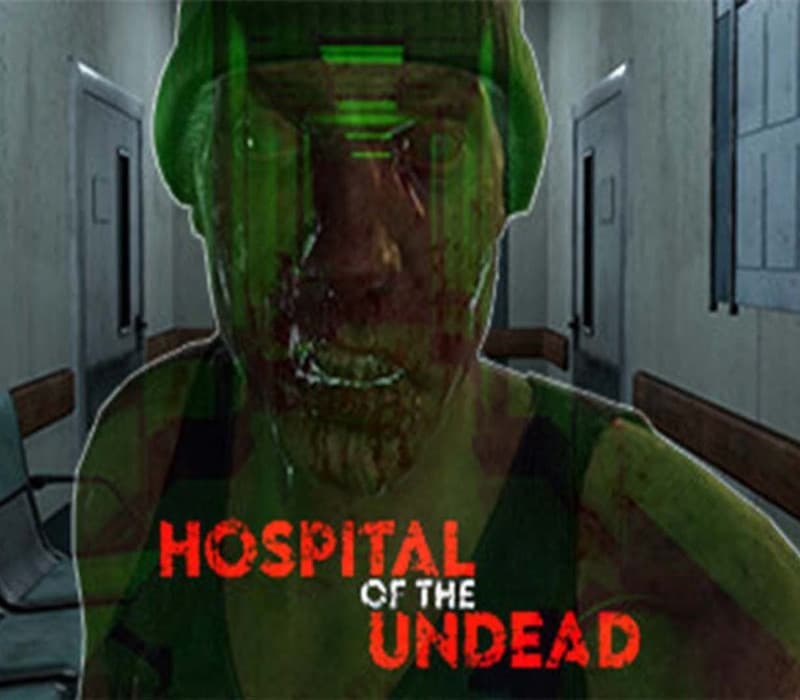
Hospital of the Undead is an indie horror survival game viewed from a first person perspective. Explore an abandoned hospital for useful items that help you progress while avoiding a number of zombies waiting to catch you. You wake up in a dizzy state only to find yourself in a nightmarish hospital overrun by a number of zombies. You need to find the keys to the front door to escape. Search the hospital for keys, equipment and consumables that could be helpful for advancing. Your sanity is affected by darkness so avoid spending too much time in unlit areas. Shoot or run from zombies to prevent getting caught. Features Explore the hospital. Unlock doors and search the furnishings for useful inventory items such as keys, weapon, ammunition, batteries, medicines etc. Explore unilluminated rooms by finding something that helps you see in the dark. Avoid spending too much time in them to preserve your sanity. Shoot zombies to prevent them from catching you as it leads to an instant death. Shooting without an aim reduces accuracy.
Activation Instructions
Go to: http://store.steampowered.com/ and download STEAM client Click "Install Steam" (from the upper right corner) Install and start application, login with your Account name and Password (create one if you don't have). Please follow these instructions to activate a new retail purchase on Steam: Launch Steam and log into your Steam account. Click the Games Menu. Choose Activate a Product on Steam... Follow the onscreen instructions to complete the process. After successful code verification go to the "LIBRARY" tab and start downloading.